

 Calendar
Your family's week, one colour per child.
Keep the calendars you already use. Add a colour for every child, events Lare found in a forwarded email, and a plan everyone in the household can check.
Larevio is in private testing with a small group of families. The app is available in English and Dutch today.
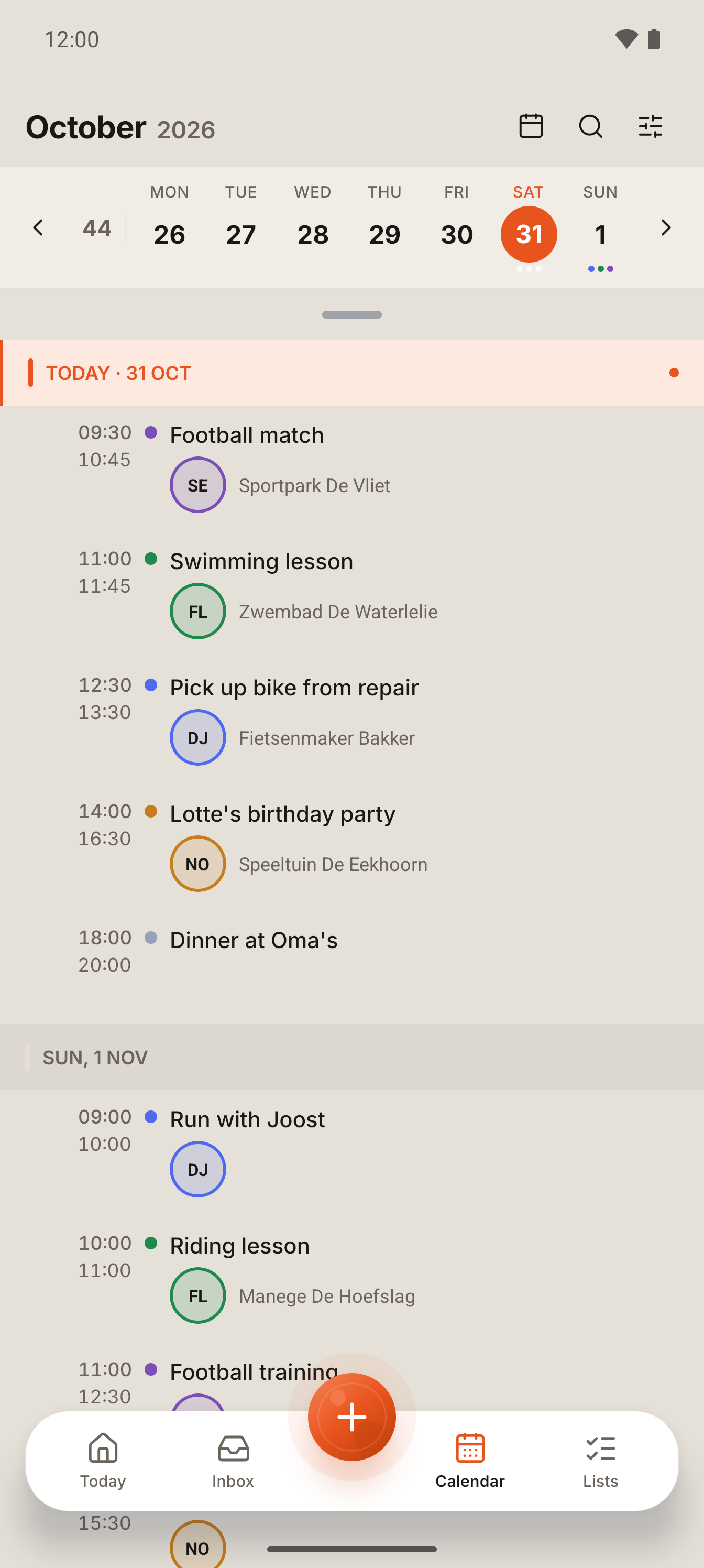
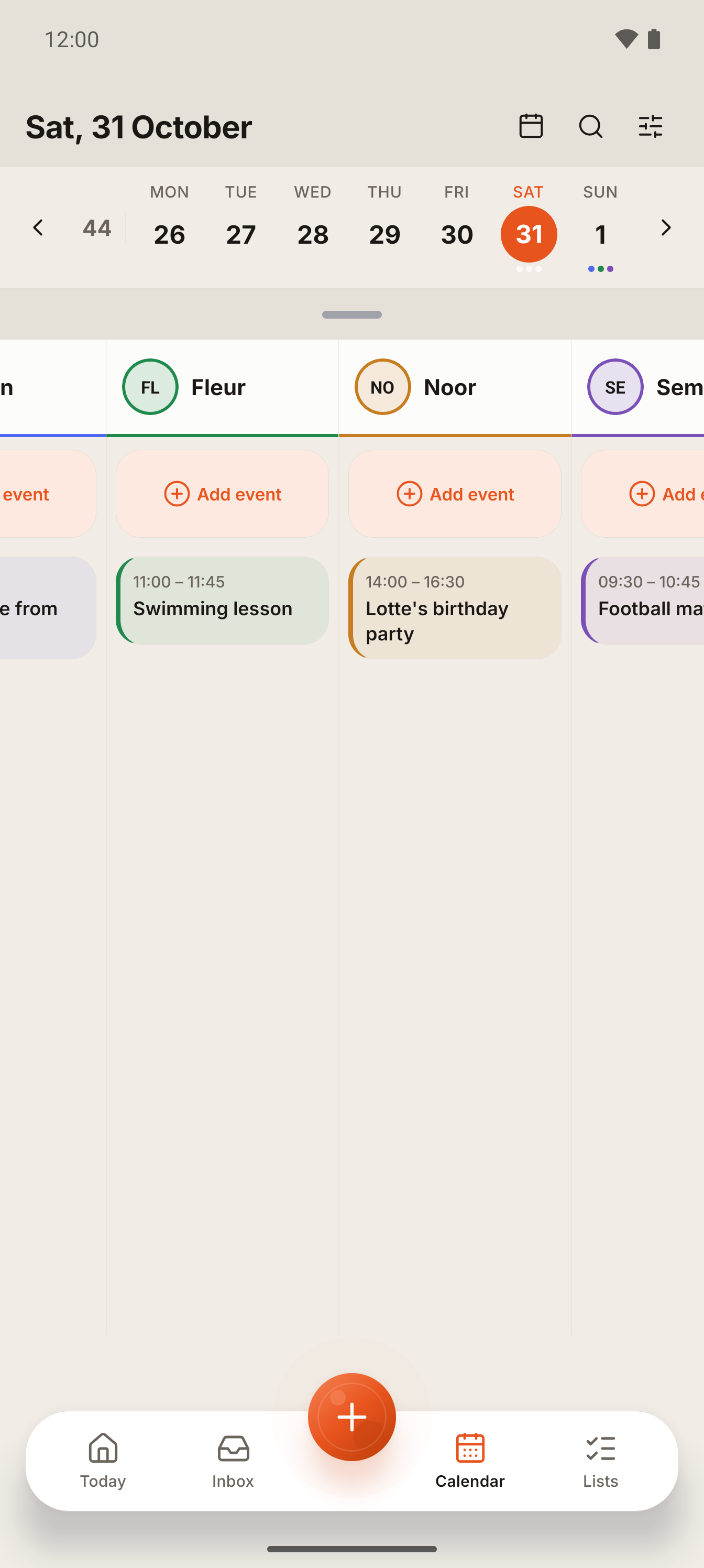
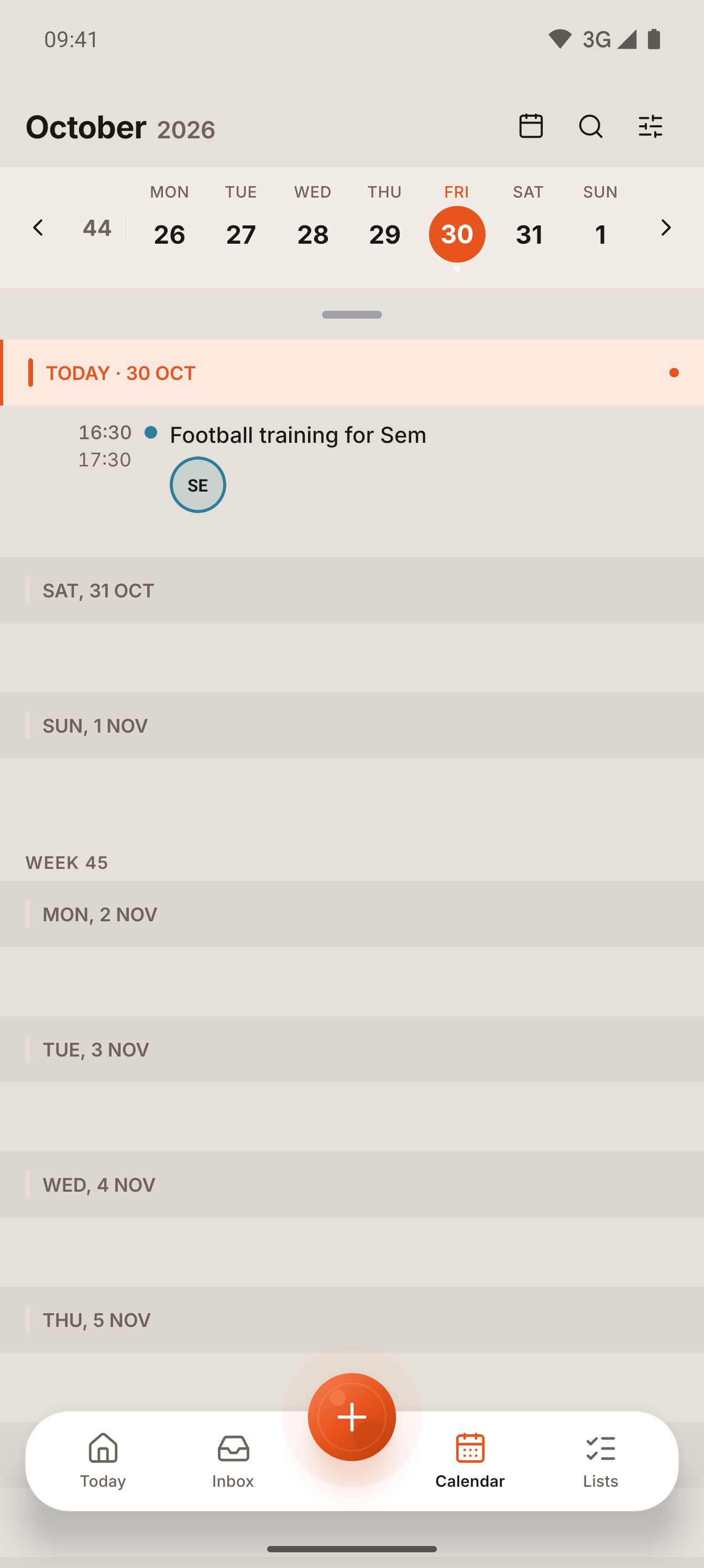
One calendar, with every child's own colour.
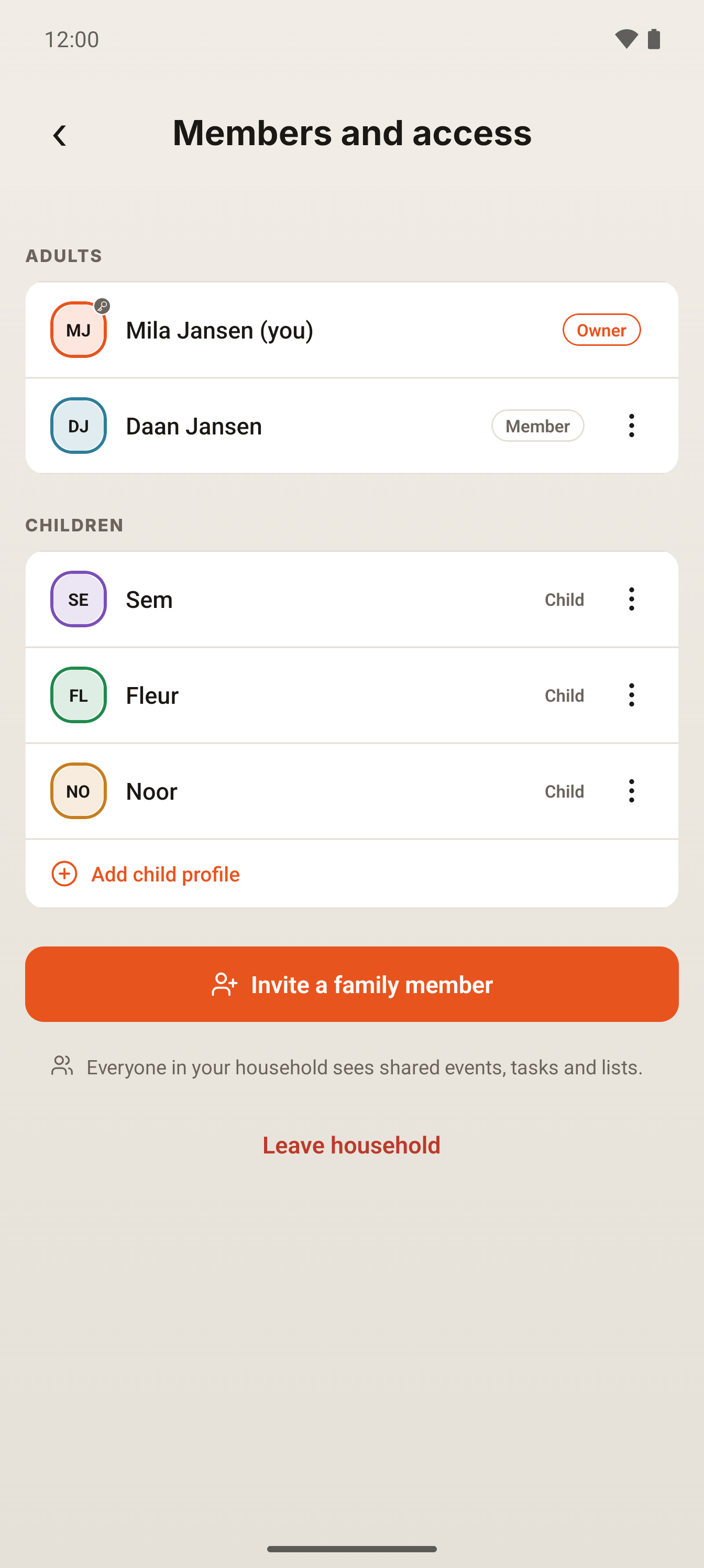
Add a child's profile once, and everything for them, events, tasks and reminders, appears in their own colour across the whole week. No sign-in needed for the kids; the grown-ups in the household see the full picture at a glance.
Add an event in seconds, or send it to Lare.
Type a time and a title straight into the family calendar when you already know the details. Or forward the email, attach the photo, or just tell Lare, and check what it found before it joins the week.
Connect Google, and Microsoft too.
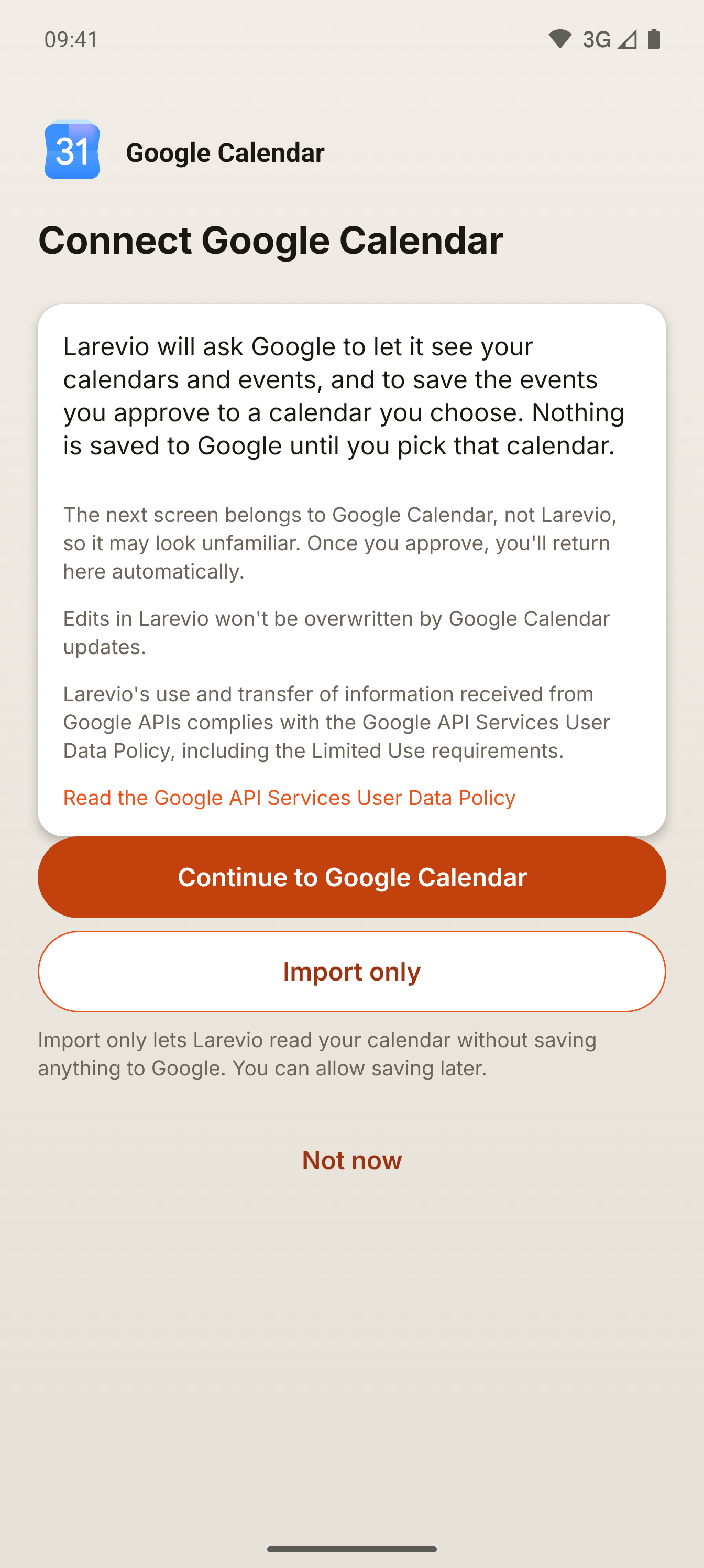
Larevio imports your existing Google or Microsoft calendar events as they are, without review, because they are already yours. Approve something new through Lare, and you can choose to save it back to that same calendar too.
Apple Calendar connects as a read-only link: a calendar feed you subscribe to in Apple's own app, so the household's plan shows up there too. Google calendars connect both ways. Microsoft calendars connect for personal accounts, and today Larevio saves new events there automatically; a change you make in Larevio to an event already saved in Outlook is not sent back yet, so update it in Outlook too. Wherever an event lands, you choose which calendar it is saved to.



Calendar connections and limits
A one-off import from your phone's own calendar is always free. Keeping a Google or Microsoft calendar connected and kept in sync needs the first 30 days, Plus or Pro Household.
Apple Calendar and other calendar apps connect as a read-only link, a calendar feed you subscribe to, not a two-way connection.
Events already in a calendar you connect are imported as they are, without review. Only what Lare proposes from an email, photo or message waits for your approval first.
You choose which calendar receives the events you approve, and you can turn saving back to Google off again at any time in Settings.
Questions about the calendar
What the calendar includes, how it works alongside what you already use, and what to expect when you connect it.
Will this replace my Google or Outlook calendar?
No. Larevio brings your existing calendar in and keeps using it alongside the family plan. You can still open Google or Outlook directly, and approved events can be saved back there too.
What does Apple Calendar support actually mean?
A read-only calendar link. You subscribe to it once in Apple's Calendar app, and the household's events show up there. It is one-way: changes made in Apple Calendar do not come back into Larevio.
Can every child really have their own colour?
Yes. Add a child's profile in Settings and their events, tasks and reminders carry that colour everywhere in the app, with no separate sign-in needed.
Does Lare add things to the calendar automatically?
Only what is already in a calendar you connect comes in without review. Anything Lare proposes from an email, photo, voice note or message waits for you to check it and approve it first.
Ready to see your week like this?
Join the waitlist. We'll email you when it's your turn.
Founding familiesGet an invitation to Larevio.
Join the founding families. We email you when it is your turn.
Larevio is in private testing with a small group of families. The app is available in English and Dutch today.
Or email us directly: [email protected]