Forward an email
Your household gets a family address in the app. Forward the emails you choose from any mail app, including Gmail and Outlook. Larevio never sees the rest of your inbox and never needs your password.


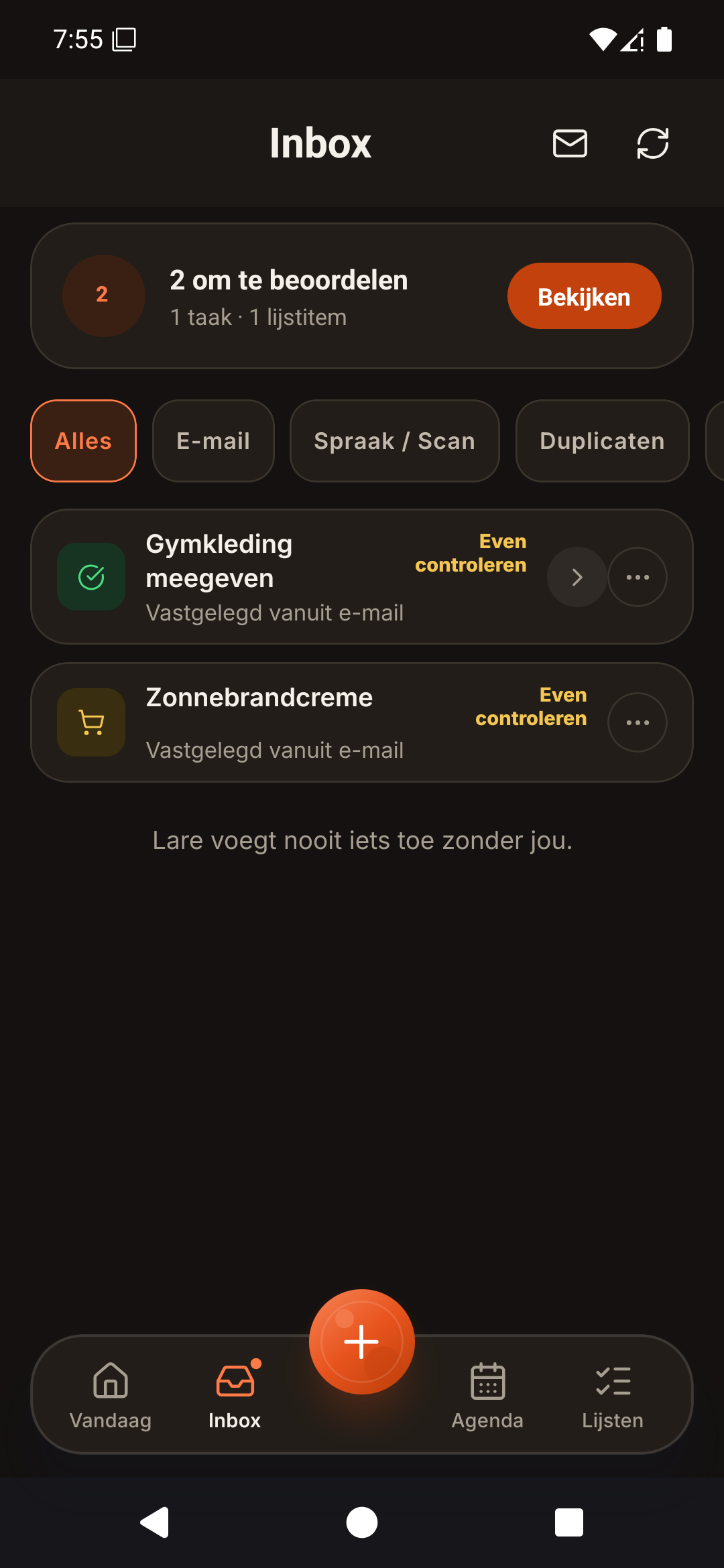
Forward the email from the mail app you already use, or allow senders in Outlook. Lare proposes what it finds; you check it before anything lands in the plan.
Larevio is in private testing with a small group of families. The app is available in English and Dutch today.
Your household gets a family address in the app. Forward the emails you choose from any mail app, including Gmail and Outlook. Larevio never sees the rest of your inbox and never needs your password.
Connect Outlook Mail and pick the senders Lare may read, one by one. Nothing from those senders becomes an event or task until you review it. A Gmail mailbox connection is not offered.
Each item shows where it came from, so you can check it before you approve.
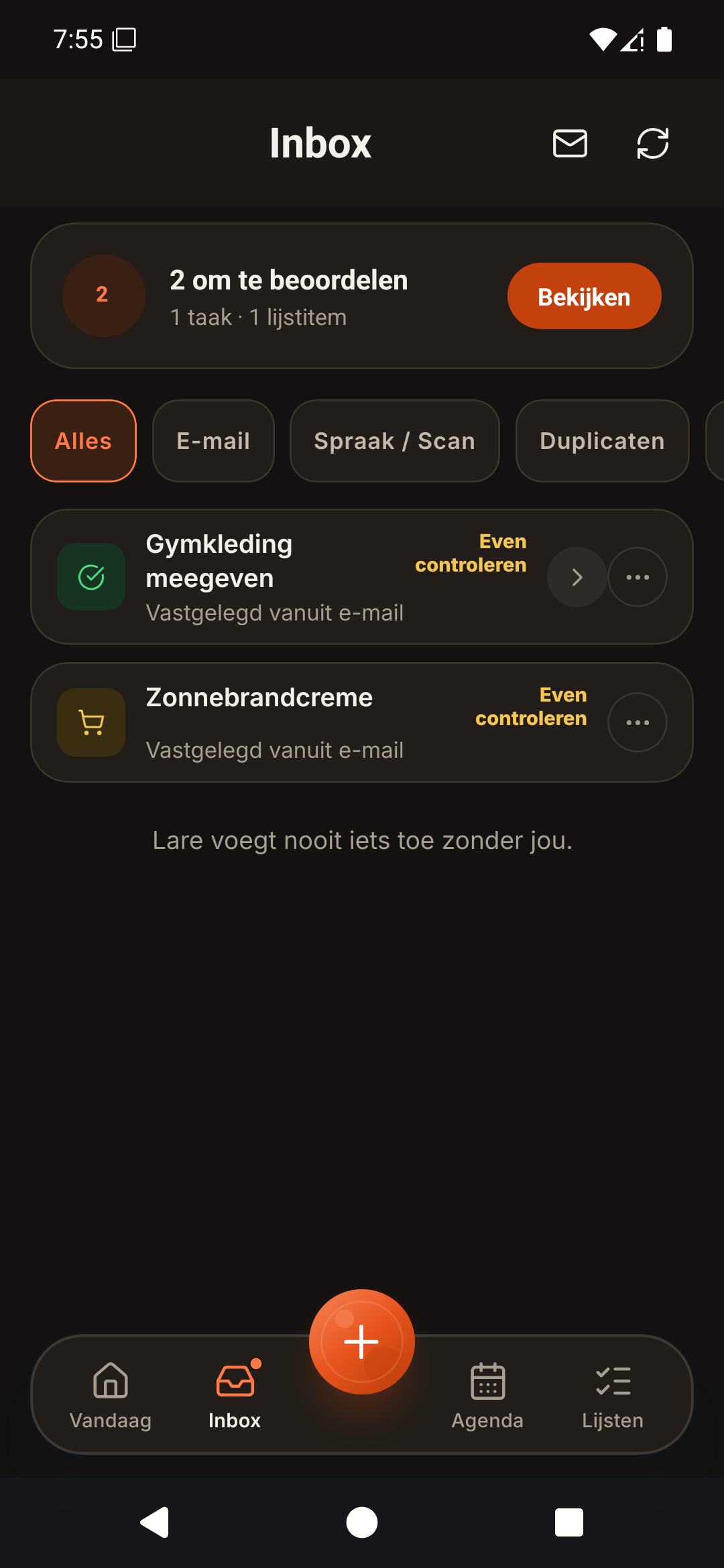
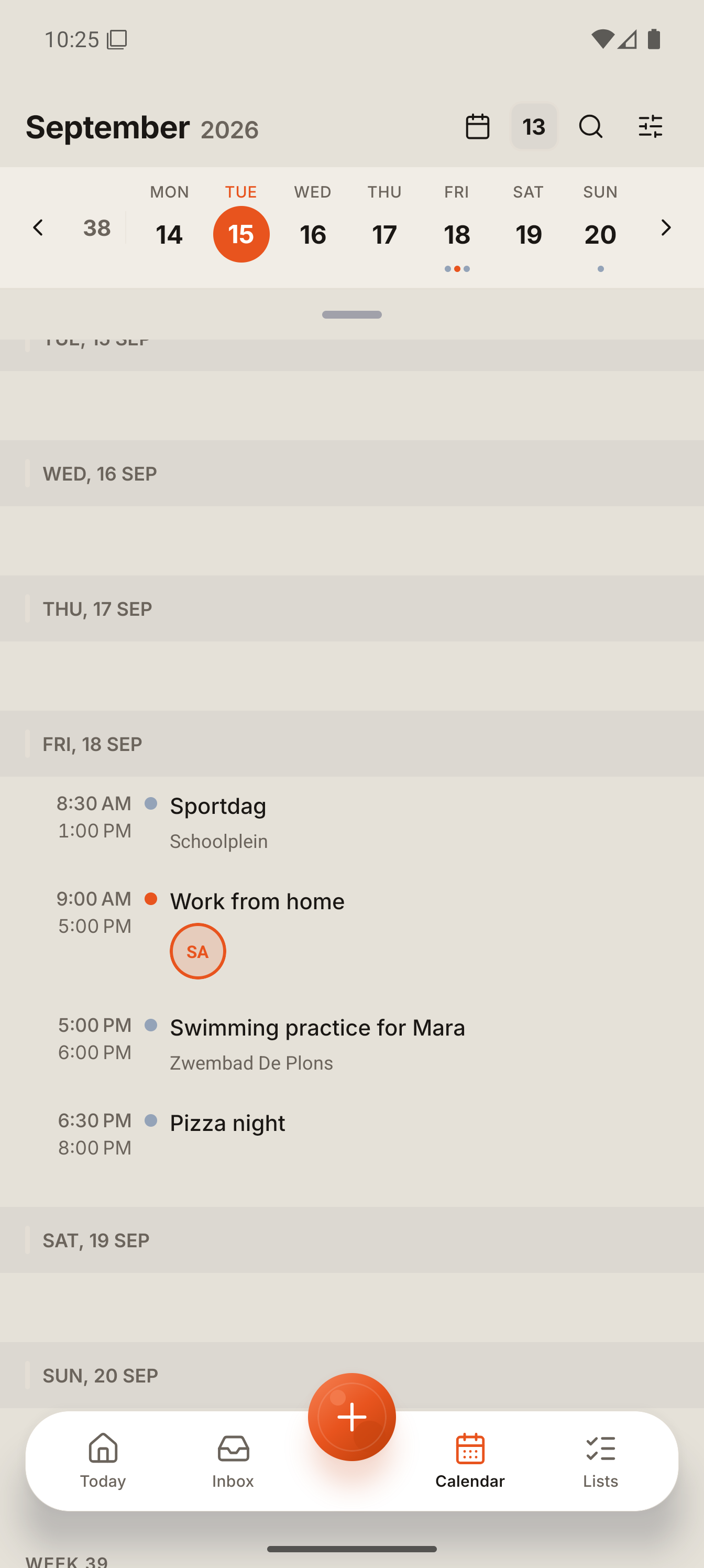
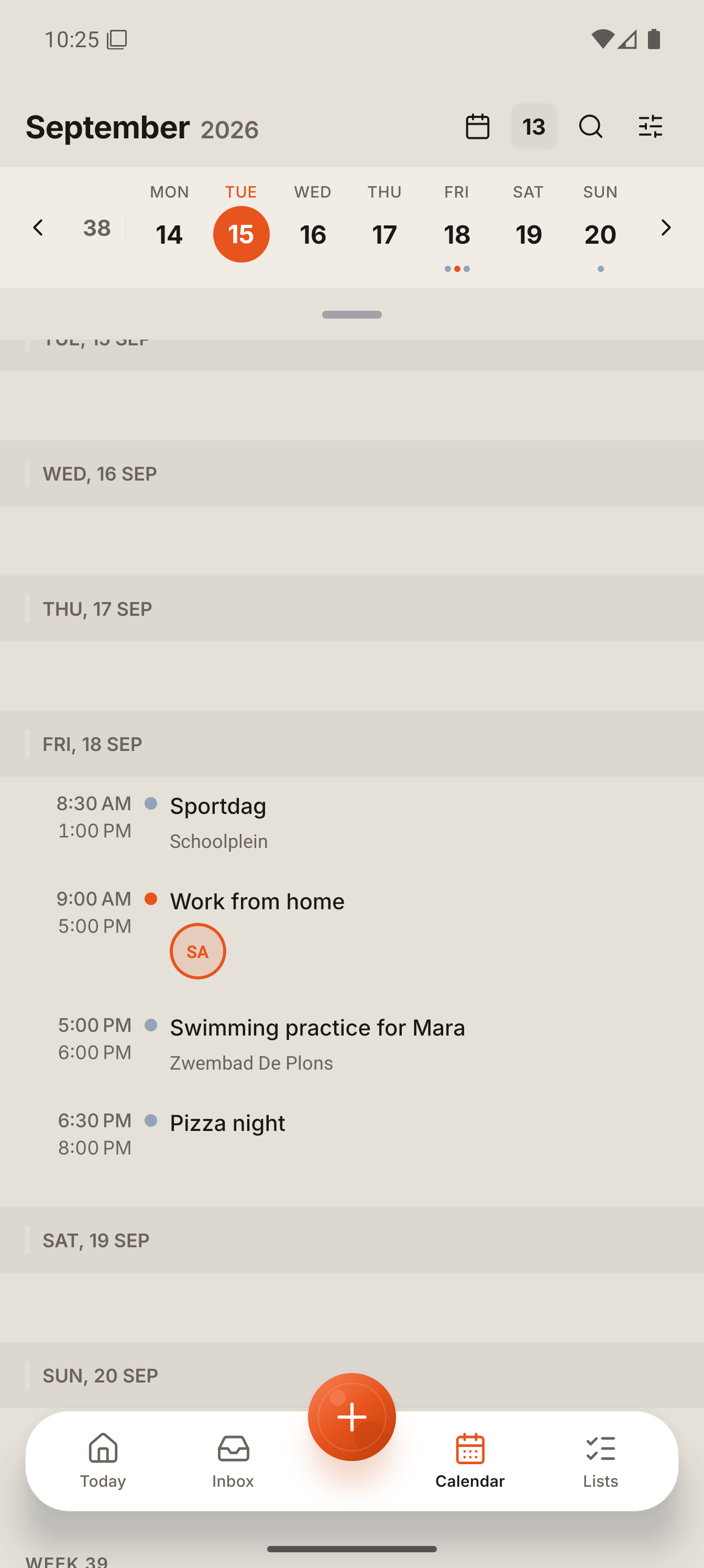
Lare proposes each thing it finds as its own item: an event, a task or a list entry. Edit a time, keep something as a draft, skip what you do not need, approve what you do. The example on the home page shows a real run, including what Lare did not find on its own.
No. Lare prepares suggestions. Nothing is added to your calendar, tasks or lists until you approve it.
During review, an email item shows a short summary in your app language beside the sender, the subject and an excerpt of the original. Titles of items from forwarded emails, photos and documents can keep words from the original, such as the name of the event. For messages you type or paste, the proposed items come out in your app language (tested: Romanian in, English out).
Your household's own family address, created in Settings. You copy it into your mail app's forwarding or simply forward messages to it.
The saved item keeps the sender and the subject. The short excerpt shown during review is removed after you decide, and email attachments are removed after 7 days. Full email bodies are never stored. Details are in the privacy policy.
Join the waitlist. We email you when it is your turn.